

Keep a recovery routine, not a guess.
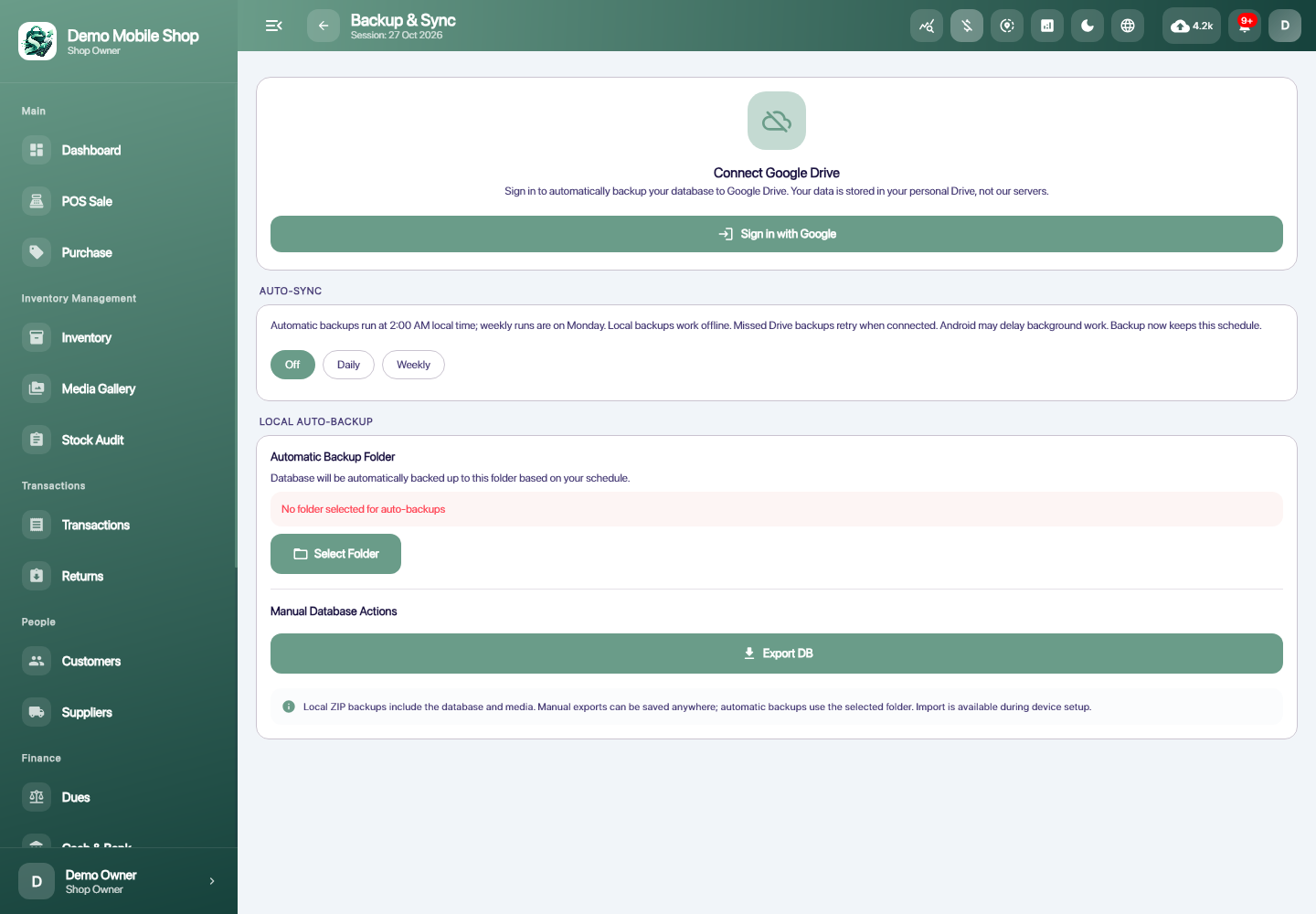
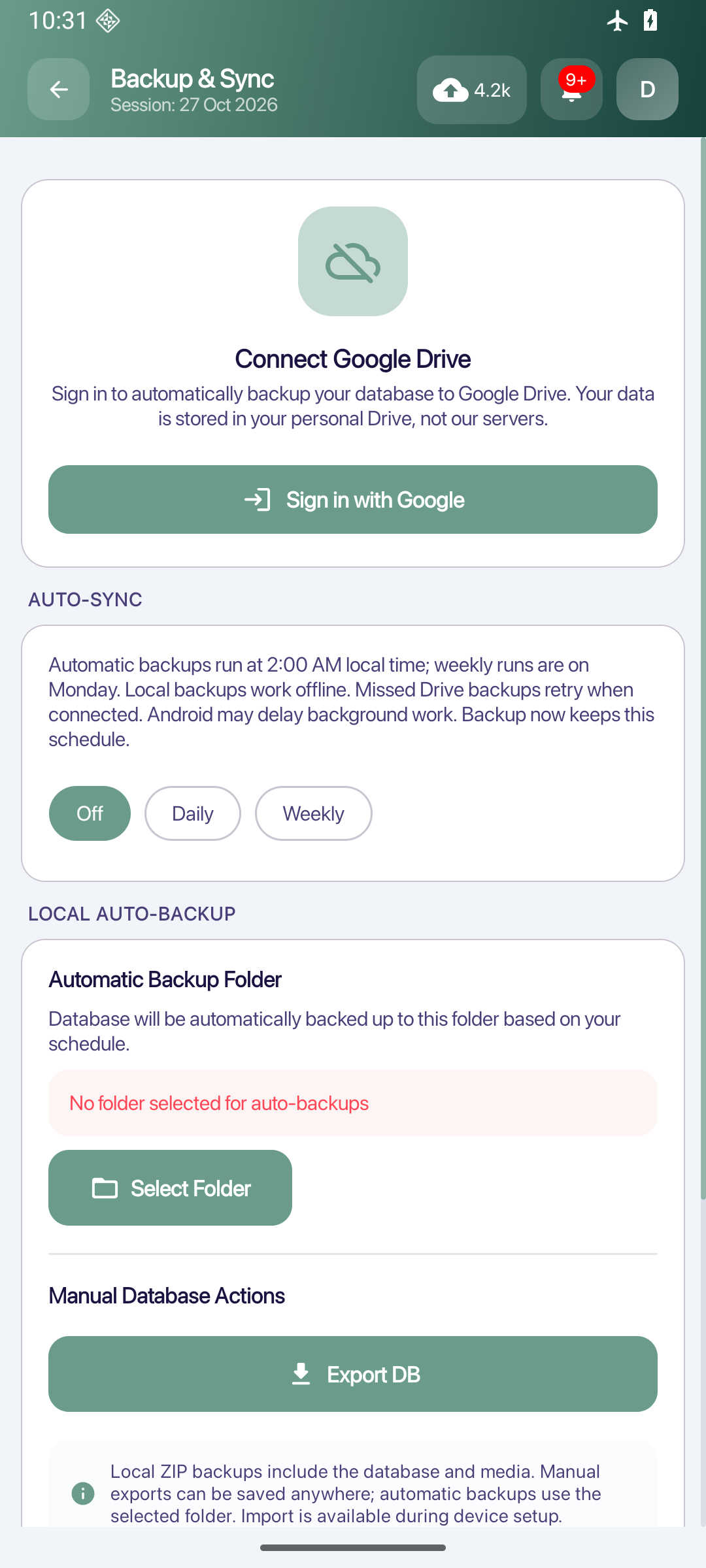
Use local export and Google Drive backup paths to prepare copies of shop records and review recovery options.
AT YOUR SHOP
Backup & recovery
Keep a deliberate backup before a device change and verify what it contains before replacing local records.
How you use it
- 01
Choose the available local or connected Drive backup path.
- 02
Keep track of the backup you created.
- 03
Review the recovery procedure before restoring.
LET’S TALK